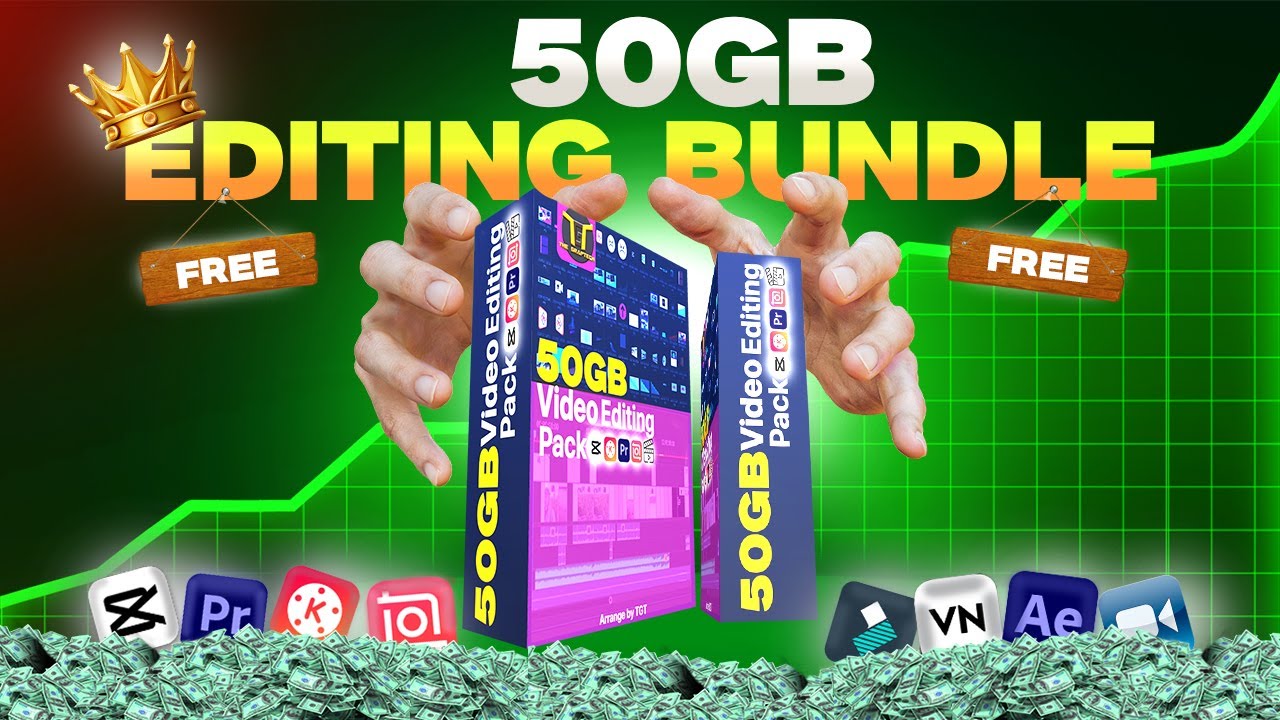
50 GB of Free Video Editing Assets. Are you a content creator looking to take your videos to the next level? We’ve got an exciting announcement that will make your day! At GeekzBuddy, we’re thrilled to offer an incredible resource for video editors, vloggers, and content creators of all kinds. We’re giving away a massive 50 GB collection of video editing assets, absolutely free!

Why We’re Sharing This Treasure Trove
Here at GeekzBuddy, we believe in the power of creativity and the importance of supporting content creators. We understand that high-quality assets can make a world of difference in your projects, but they often come with a hefty price tag. That’s why we’ve decided to share this extensive collection with our community, no strings attached.
What’s Included in the 50 GB of Free Video Editing Assets?
This comprehensive collection of video editing assets is a game-changer for creators at any level. Whether you’re just starting out or you’re a seasoned pro, you’ll find something valuable in this package. Here’s a glimpse of what you can expect:
- Stock Footage:
- Breathtaking nature scenes
- Urban cityscapes
- Lifestyle and people shots
- Slow-motion clips
- Aerial drone footage
- Motion Graphics:
- Lower thirds
- Animated backgrounds
- Transitions
- Title sequences
- Infographic elements
- Sound Effects:
- Ambient sounds
- Foley effects
- Musical stingers
- Whooshes and impacts
- UI sounds
- Music Tracks:
- Royalty-free background music
- Various genres (electronic, acoustic, cinematic, etc.)
- Loops and stems for customization
- Visual Effects:
- Lens flares
- Particle systems
- Fire and smoke simulations
- Light leaks
- Glitch effects
- Green Screen Footage:
- People in various poses and actions
- Objects for compositing
- Weather effects (rain, snow, etc.)
- Fonts:
- A selection of stylish, free-to-use fonts
- Perfect for titles, lower thirds, and graphics
- LUTs (Look-Up Tables):
- Color grading presets
- Film emulation LUTs
- Mood-enhancing color profiles
- Templates:
- After Effects templates
- Premiere Pro templates
- Final Cut Pro templates
- DaVinci Resolve templates
- Textures and Overlays:
- Film grain
- Light leaks
- Dust and scratches
- Bokeh effects
- Lens dirt and smudges
How to Access the 50 GB of Free Video Editing Assets
We’ve made it incredibly easy for you to access this treasure trove of video editing goodies. Simply follow these steps:
- Visit our Google Drive link to access 50 GB of Free Video Editing Assets.
- Click on the folder you’re interested in exploring
- Preview the assets to find what you need
- Download individual files or entire folders
There’s no need to sign up, provide your email, or jump through any hoops. We want to make this as accessible as possible for all creators.
Licensing and Usage Rights
We know you’re probably wondering about the catch – but there isn’t one! All the assets in this collection are either created by us or sourced from royalty-free libraries. This means you can use 50 GB of Free Video Editing Assets in your personal and commercial projects without worrying about copyright issues.
However, we do kindly ask that you:
- Don’t redistribute these assets as a package
- Give credit where possible (though it’s not mandatory)
- Share the love by telling other creators about this resource
Making the Most of Your New 50 GB of Free Video Editing Assets
Now that you have access to this goldmine of video editing resources, here are some tips to help you make the most of them:
- Organize Your Downloads:
Create a system for categorizing and tagging the assets you download. This will save you time when you’re in the middle of a project and need to find that perfect clip or sound effect. - Experiment and Combine:
Don’t be afraid to mix and match different assets. Try layering sound effects, combining motion graphics with stock footage, or applying LUTs to your compositions. The possibilities are endless! - Customize and Make It Your Own:
Use these assets as a starting point, but add your unique touch. Modify templates, adjust motion graphics, or remix audio tracks to fit your specific needs and style. - Stay Inspired:
Keep this collection as a source of inspiration. When you’re feeling stuck or need a creative boost, browse through the assets to spark new ideas for your projects. - Learn New Techniques:
Use these assets as an opportunity to learn new editing techniques. Try replicating effects you like or figure out how to incorporate unfamiliar elements into your workflow.
Enhancing Your Workflow with These 50 GB of Free Video Editing Assets
Let’s explore some specific ways you can use these assets to enhance your video projects:
- Creating Captivating Intros:
Combine stock footage, motion graphics, and sound effects to craft attention-grabbing intros for your videos. Use templates as a starting point and customize them to match your brand. - Elevating Your B-Roll:
Supplement your original footage with high-quality stock clips to add context, transition between scenes, or illustrate concepts in your videos. - Adding Professional Polish:
Incorporate lower thirds, animated backgrounds, and transitions to give your videos a sleek, professional look. These small touches can make a big difference in the overall quality of your content. - Enhancing Storytelling:
Use sound effects and music tracks to set the mood and enhance the emotional impact of your videos. The right audio can transform a good video into a great one. - Creating Stunning Visual Effects:
Experiment with the VFX elements to add cinematic flair to your projects. Whether it’s a subtle lens flare or a dramatic particle effect, these assets can help you achieve looks that would otherwise require extensive time and expertise. - Improving Color Grading:
Apply LUTs to quickly enhance the color and mood of your footage. Experiment with different looks to find the perfect style for each project. - Designing Eye-Catching Graphics:
Use the included fonts and graphic elements to create custom thumbnails, end screens, and in-video graphics that will help your content stand out.
Staying Updated and Connected
We’re committed to supporting the creative community, and this asset giveaway is just the beginning. Here’s how you can stay connected and make the most of what GeekzBuddy has to offer:
- Join Our Community:
Connect with other creators in our forums or social media groups. Share tips, showcase your work, and get inspired by fellow content creators. - Follow Us for Updates:
We’ll be regularly updating and adding to this asset collection. Follow us on social media or subscribe to our newsletter to stay informed about new additions and other resources. - Share Your Creations:
We’d love to see what you create with these assets! Use the hashtag #GeekzBuddyCreate on social media to showcase your work and inspire others. - Provide Feedback:
Your input is valuable to us. If you have suggestions for types of assets you’d like to see in future updates, let us know! - Contribute to the Community:
If you’ve created assets of your own that you’d like to share, reach out to us. We’re always looking for ways to expand our offerings and support creators helping creators.
Final Thoughts
We hope this 50 GB of Free Video Editing Assets helps unleash your creativity and elevates your content to new heights. Remember, the tools are just the beginning – it’s your unique vision and storytelling that truly bring a video to life.
At GeekzBuddy, we’re passionate about empowering creators like you. We believe that by providing free, high-quality resources, we can help foster a more vibrant and diverse creative community. So go ahead, download these 50 GB of Free Video Editing Assets, and start creating something amazing!
Don’t forget to bookmark the Google Drive link for easy access, and share it with your fellow creators. Together, we can build a supportive ecosystem where creativity thrives.
Happy editing, and we can’t wait to see what you’ll create!
Remember, creativity has no limits – and now, neither do your resources. Dive in, explore, and let your imagination run wild with this extensive collection of video editing assets. Your next masterpiece awaits!