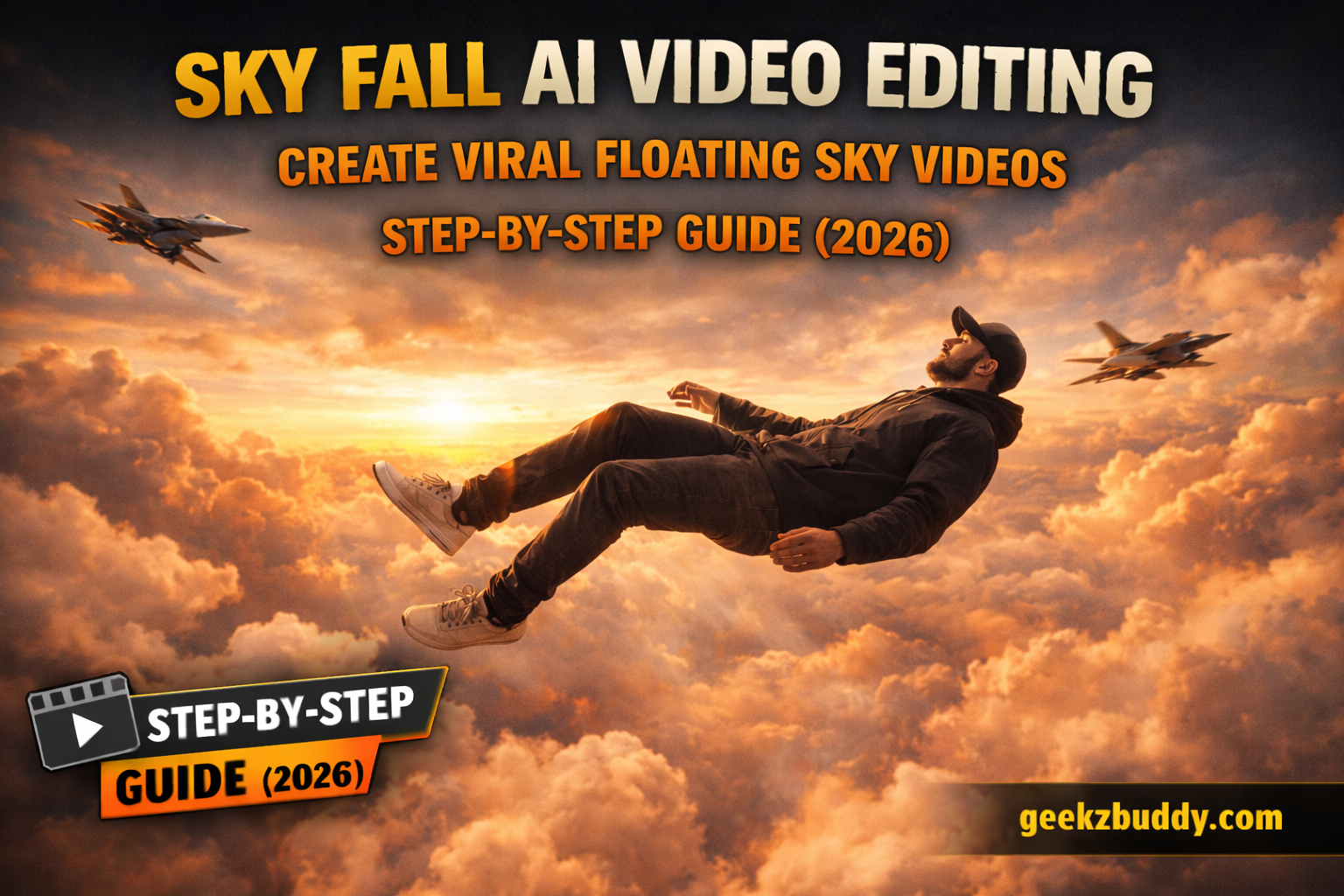
Create Viral Floating Sky Videos for Free (2026). AI video trends are taking social media by storm, and one of the most viral styles right now is the Sky Fall AI video. In this effect, it looks like a person is floating in the sky and slowly falling down from heaven, creating a dreamy and cinematic experience.
Many people have been asking how to create this type of AI video for free. So in this tutorial, I will explain the complete step-by-step process to create your own Sky Fall AI video using simple tools.
The best part?
You can generate this viral AI video in just 3 easy steps, without any paid software.
Let’s get started.
What is Sky Fall AI Video Editing?
Sky Fall AI video editing is a technique where a normal selfie is converted into a cinematic scene showing a person falling slowly through the sky, surrounded by clouds, golden sunlight, and even fighter jets.
The video looks:
- Ultra-realistic
- Cinematic and dreamy
- Slow-motion styled
- Perfect for Instagram Reels, YouTube Shorts, and TikTok
This entire video is created using AI by first generating images and then converting them into a video using an AI video generator.
Details of Sky Fall AI Video Editing
In this viral video:
- A person is shown floating or falling from the sky
- Eyes usually appear calm or closed
- The background contains glowing clouds and aircraft
- Slow motion effects add realism
- The scene looks like a movie shot
You don’t need professional editing skills. A single selfie is enough to generate this entire video.
Editing Process Explained
The Sky Fall AI video is created in two main stages:
- Image Creation using AI
- Video Generation using AI
First, we create two AI images using two different prompts.
Then, we use those images along with a video prompt to generate the final video.
How to Create Sky Fall AI Images
To create the images:
- Open the Gemini app or Gemini website.
- Copy the first prompt given below.
- Paste it into Gemini.
- Click the plus (+) icon and upload your selfie.
- Click Send to generate the image.
Repeat the same steps using the second prompt.
After generating both images, save them. These will be used for video creation.
Image Prompt 01
A cinematic surreal photo of a single young man floating in the sky, full body visible, wearing a black hoodie, black pants, sneakers and a cap. The person is slightly tilted as if gently falling or levitating in mid-air. Minimal composition with vast open sky. Soft golden sunset clouds background, warm pastel yellow and orange tones. Dreamy, calm, aesthetic mood. High contrast silhouette style, realistic human proportions, ultra-realistic, cinematic lighting, depth of field, 4K quality, vertical frame, modern Instagram aesthetic.Image Prompt 02
A cinematic surreal photo of a young man floating in the sky as if gravity has stopped, full body visible, wearing a black hoodie, black pants, sneakers and a cap, arms and legs relaxed, dramatic slow-motion pose. Two modern fighter jets flying nearby in the background, one above and one below, creating a powerful action scene. Golden sunset sky with warm orange and yellow tones, soft clouds, strong backlighting, realistic shadows, ultra-realistic, high detail, cinematic lighting, shallow depth of field, 8K quality, photorealistic, dramatic composition, movie still, epic atmosphere. 100% face match.Video Prompt
Camera tracks and pans downward with a falling human figure, starting tiny high in the sky and growing larger as they descend through clouds, slowing into a brief levitation as fighter jets streak past behind them at high speed.How to Generate Your Sky Fall AI Video
Follow these steps carefully:
- Click on the Generate Video option on the Flow AI website.
- Log in using your email address.
- Click on Create Project.
- Select the Text option.
- Choose Frame and then Video.
- Click the + icon to upload your AI-generated image.
- Paste the video prompt into the text box.
- Click on Generate.
Wait for a few moments and your cinematic Sky Fall AI video will be ready.
Conclusion
Sky Fall AI video editing is one of the most powerful and trending AI video styles right now.
With just:
- One selfie
- Two AI image prompts
- One video prompt
You can create a highly realistic and viral cinematic video completely for free.
If you want to grow fast on social media, try this trend as soon as possible and upload your video on Instagram, YouTube Shorts, and TikTok.
Follow the steps properly, and your video will be created successfully with professional-level quality.